
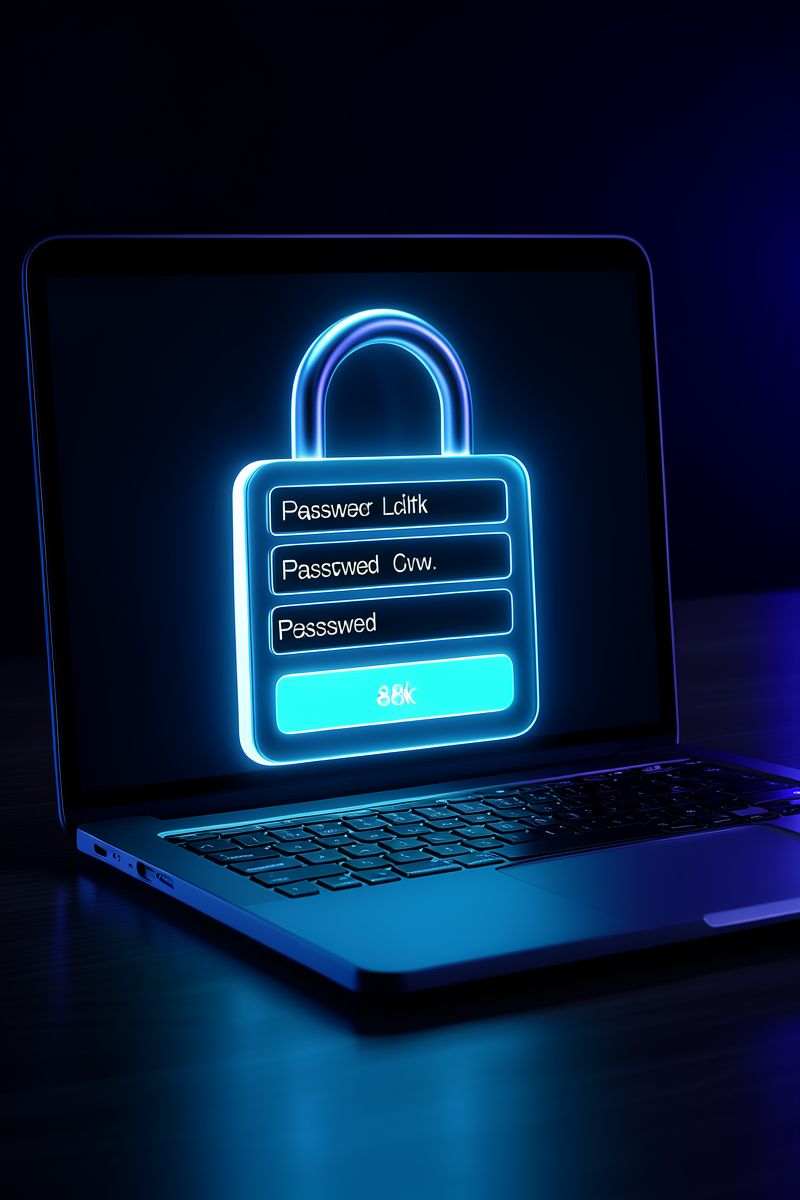
Password Protected Links: When and Why You Need Them
May 22, 2026 · 5 min read
Not everything should be public. Client photo galleries, internal company docs, VIP pricing sheets, draft proposals — sometimes you need to share a link, but only with the right people. That's where password protected links come in.
What Is a Password Protected Link?
Simple: someone clicks your short link or scans your QR code, and instead of going straight to the destination, they see a clean password screen first. Type the right password, you're through. Wrong password? Try again. No user accounts. No registration. No login system to build or maintain.
5 Real Use Cases
📸 Client Photo Galleries
You're a photographer. You upload the final gallery and send the client a link. But you don't want their gallery showing up in Google search results. Password protect it. Share the password in your email or text — only they can see it.
📋 Internal Company Documents
HR handbooks, pricing sheets, onboarding docs — you need to share them, but not with the entire internet. A password-protected link means you can share via Slack or email without worrying about accidental public access.
🎁 VIP Drops & Early Access
Launching a new product? Give your email list a password-protected link to the early access page 24 hours before the public launch. It feels exclusive, and you get to control exactly who sees it.
💼 Sales Proposals
Send a proposal link that's password protected. The client types the password you gave them over the phone. Now you know they received it, and the link isn't floating around unprotected in their inbox.
🎓 Course Materials & Private Content
Paid course? Premium content? Password protect the resource links. Change the password when the cohort ends. No need to revoke access individually.
Password Protection vs. User Accounts
Building a login system is expensive. You need:
- Registration forms and email verification
- Password reset flows
- Session management and security
- Database storage for user credentials
- Ongoing maintenance and security updates
Password protected links give you 80% of the benefit with 0% of the engineering. One password, one link, done. If the password leaks, change it — the QR code stays the same.
How to Set It Up
On SHCD.US, it takes about 10 seconds:
- Create a short link
- Toggle "Password Protection" on
- Type your password
- Save — that's it
Anyone who scans your QR code or clicks your link will see a clean password screen. They type the password, they're in. And yes, it works on the free plan. Try it free →
Protect your links in 10 seconds
Password protection and expiration on Pro, time-gating on Business. Start free, no card.
Get Started Free →