
QR Codes for Real Estate: Stop Reprinting Yard Signs
May 4, 2026 · 4 min read
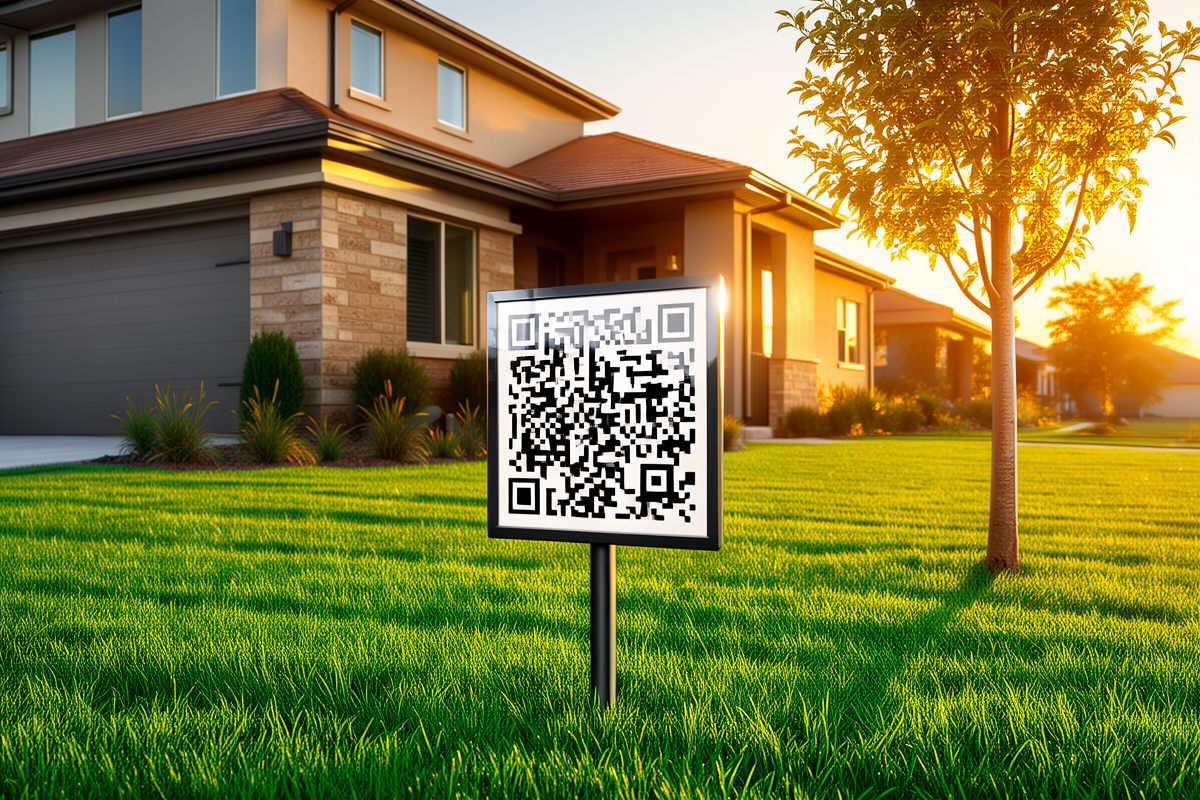
Here's a scenario every real estate agent knows too well: you just ordered 200 beautiful yard signs with a QR code that links to the listing page. They look great. You're proud of them. And then… the price drops, the listing gets updated, or worse — it sells and someone else buys the domain you printed on those signs.
Now you're stuck. Those 200 signs? They either point to a dead page or the wrong information. And reprinting them costs hundreds of dollars and takes a week.
The problem with regular QR codes
Most QR code generators do one thing: they encode a URL into a grid of black and white squares. That's it. The destination is baked into the image. If you want to change where it goes, you have to generate a new QR code and reprint everything it's on.
This is fine for a one-time thing. It's terrible for real estate, where listing details change constantly, open houses come and go, and you're printing in bulk.
How SHCD.US QR codes are different
Every SHCD.US QR code doesn't point directly to your listing URL. It points to a short link on our servers — something like shcd.us/123-main-st. That link then forwards to wherever you want.
The magic? You can change where that short link forwards to anytime you want, from your dashboard, in about 10 seconds. The QR code on your yard sign doesn't change. The printed flyers don't change. But the destination? Updated instantly.
Three smart features agents actually use
⏱️ Custom Expiration
Set your QR code to expire on a specific date — say, right after the open house. After that, anyone who scans gets sent to your main listings page (or any fallback URL you pick). No dead links. No confused buyers.
🕒 Time-Gated Access
Only want the QR code active during showing hours? You can do that. Set a time window (like 9am–5pm weekdays) and anyone who scans outside of it lands on a "showings by appointment" page. It's like having a digital office hours sign.
📊 Scan Analytics
Because every scan hits our servers first, you can see exactly how many people are scanning your yard sign vs. your flyer. Which neighborhood shows more interest? Which open house flyer design performed better? You'll actually know.
What about business cards and flyers?
The same logic applies. Put one SHCD.US QR code on your business card and point it to your current listings, your bio, your calendar — whatever makes sense right now. Change it next month when your focus shifts. One print job, infinite flexibility.
Getting started
It's free to try. Create an account, make a short link for your listing, and download a print-ready QR code in SVG or PNG. Set the expiration, pick a fallback URL, and you're done.
Next time the listing changes? Don't reprint. Just log in, update the destination, and go grab coffee.
Ready to stop reprinting?
Create a free SHCD.US account and get a dynamic QR code for your next listing.
Get Started Free