
How to Track QR Code Scans — The Complete Guide for Small Businesses
May 22, 2026 · 6 min read
You printed the QR code. You put it on the menu, the yard sign, the business card. But then what? Most QR code generators give you the image and stop there. You have no idea if anyone actually scanned it.
That's like running a billboard and never checking how many cars drive past it. Tracking QR code scans tells you what's working, where people are engaging, and when they're doing it. Here's how to do it — without spending a dime.
Why QR Code Tracking Matters
If you're printing QR codes on anything — menus, flyers, signs, cards — you're investing real money in physical materials. Without tracking, that investment is a black box:
- •Is anyone scanning? — If your menu QR code gets 3 scans a week, it's not pulling its weight.
- •When are they scanning? — Knowing that 70% of scans happen between 6-8pm tells you when your dinner menu QR matters most.
- •Where are they? — A realtor sees scans from three cities and knows where to double down on signs.
- •What device? — 90% mobile? Your landing page better be mobile-friendly.
The Problem with Static QR Codes
A static QR code is just a fancy URL. The destination is baked in permanently. You can't change it, you can't track it, and if the page goes down, your printed QR code becomes garbage. This is the #1 reason businesses switch to dynamic QR codes — the kind that route through a server like SHCD.US before sending the visitor to the final destination.
How QR Tracking Works
With a dynamic short link service like SHCD.US, the flow looks like this:
- You create a short link — e.g.,
shcd.us/your-menu - You generate a QR code pointing to that short link
- Someone scans the QR code
- The scan hits SHCD.US first — we log the time, device, location, and referrer
- The visitor is forwarded to your actual page
The whole redirect takes milliseconds. The visitor never notices. But you get a full analytics dashboard.
What You Can Track
Total Scans
How many times the QR code was scanned, including repeat visitors.
Unique Visitors
How many individual people scanned it (filters out the same person scanning twice).
Device & OS
iPhone vs Android, Chrome vs Safari — tells you how to optimize your landing page.
Location
Country, region, and city — see which locations drive the most engagement.
Real-World Examples
🍽️ Restaurant
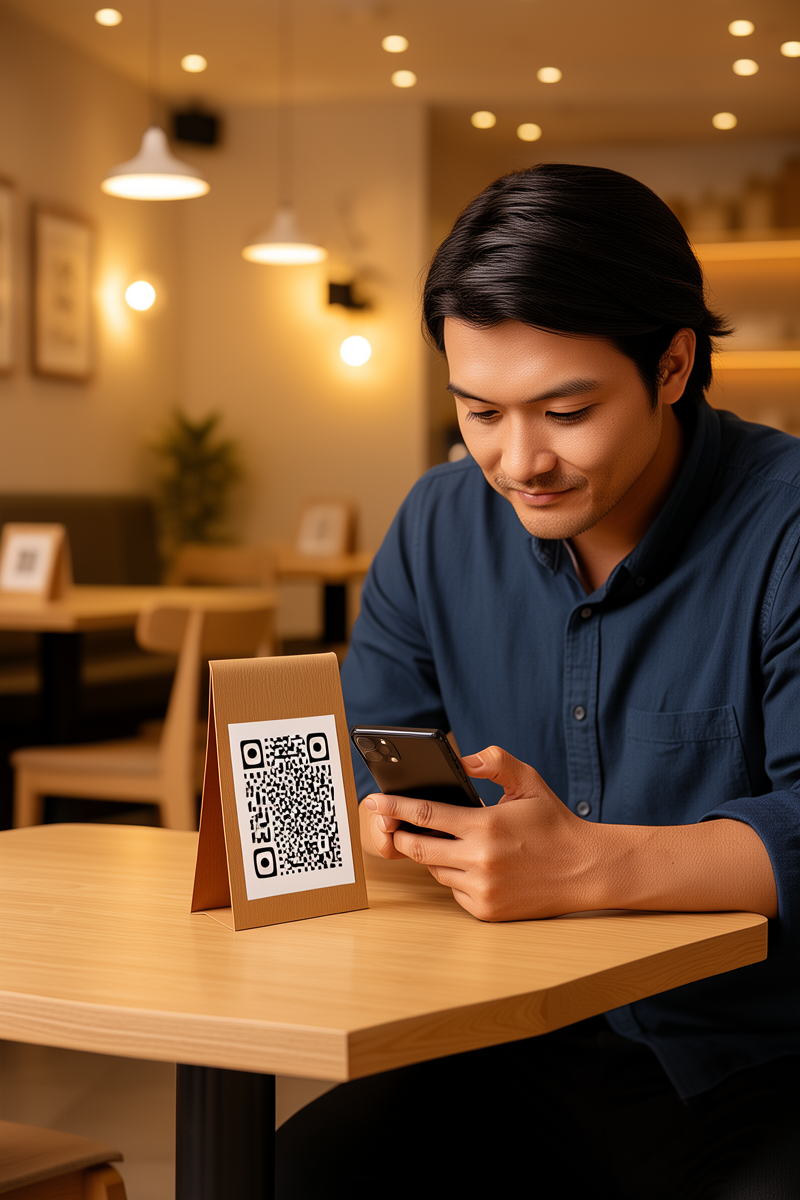
Put one QR code on your table tents. The analytics show your brunch menu gets 4x more scans than dinner. Now you know where to focus your menu design effort.
🏠 Realtor
You place 10 yard signs across town. After two weeks, the stats show 3 signs generating 80% of the scans. Double down on those neighborhoods.
📸 Photographer
You put a QR code on your business card. The link is password-protected — clients get access to their gallery, and you see exactly when they viewed it.
Getting Started
It takes 30 seconds. Create a free SHCD.US account, paste your URL, and you get a short link + QR code + analytics dashboard. No credit card, no limits on the free plan. Start tracking for free →
Start tracking your QR codes today
Free analytics. No credit card. 30 seconds to set up.
Create Free Account →